
Dictation in Outlook, OneNote and Microsoft Word
Dictation in Office 365: How to write emails, documents and notes simply by voice input in Outlook, Word and OneNote.


Dictation in Office 365: How to write emails, documents and notes simply by voice input in Outlook, Word and OneNote.

Disable Outlook email alerts to work undisturbed. Re-enable notifications only when needed, for important senders like your boss. Find out how in this video. Here are the most important clicks as a guide:
Insert/add public holidays in Outlook for certain federal states (if your public holidays are not available for the following years), show/hide them with a click and import school holidays.
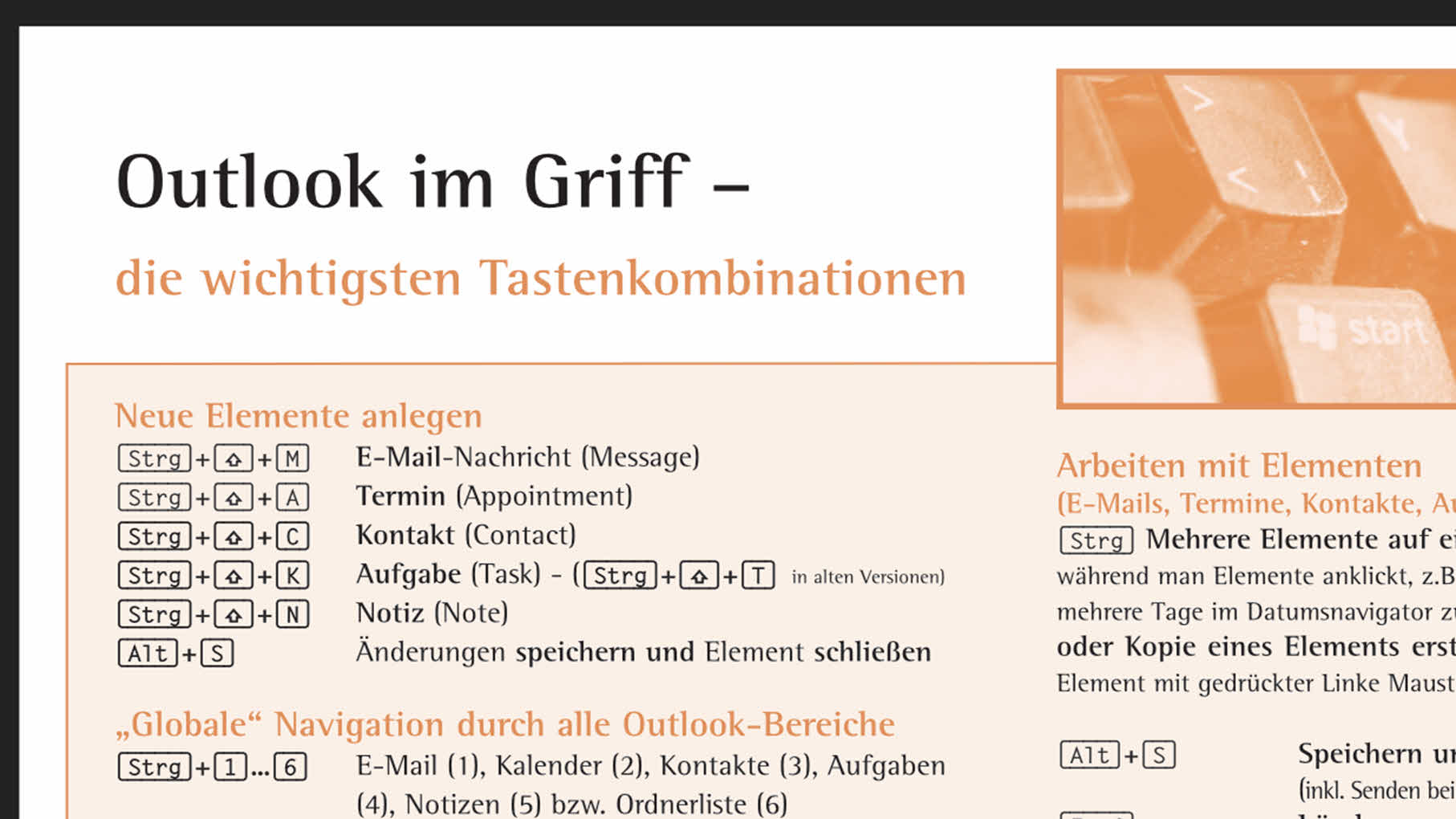
Practical Outlook Shortcuts for You: The most important key combinations for more efficient Outlook operation, always in view.
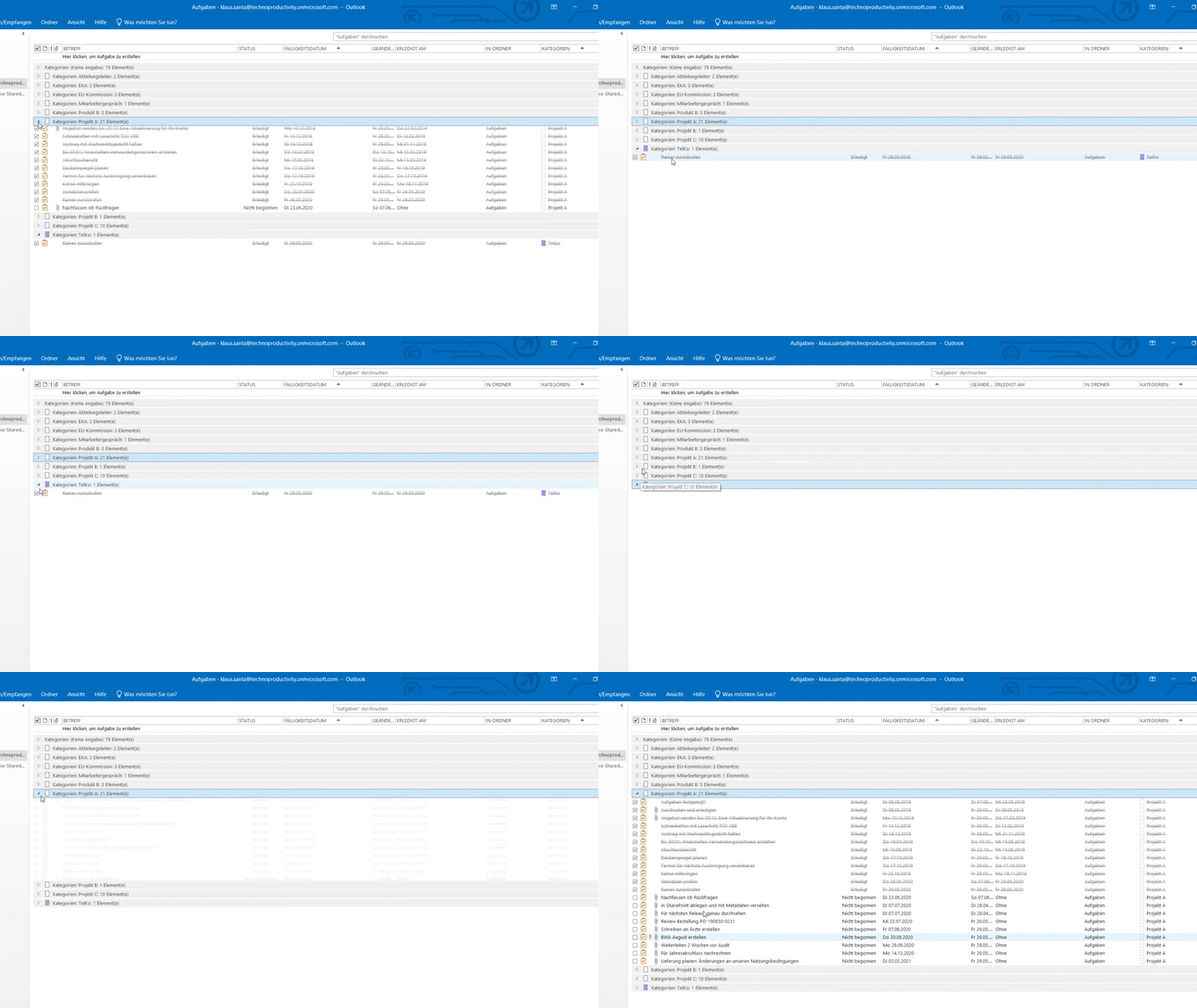
How to use the Outlook task function - how to create tasks in Outlook, group them by project and display them in the calendar.